Salon WhatsApp booking lets clients book appointments the same way they already talk to you: by sending a WhatsApp message. In the UAE, Kuwait, Saudi Arabia and across the Gulf, many clients would rather message than call, and they expect a quick reply. The problem is that manual WhatsApp booking eats your receptionist’s time, and slow replies lose clients. This guide shows how to turn WhatsApp chats into confirmed appointments, from simple setups to fully automated booking.
In this guide
- Why WhatsApp Matters for Salon Bookings
- The Problem With Manual WhatsApp Booking
- 3 Levels of WhatsApp Appointment Booking for Salons
- How AI WhatsApp Booking Works
- After the Booking: Reminders and Follow-Ups
- Manual vs Automated Salon WhatsApp Booking
- How to Set It Up
- Tips for Better WhatsApp Booking
- Frequently Asked Questions
- Final Thoughts
Why WhatsApp Matters for Salon Bookings
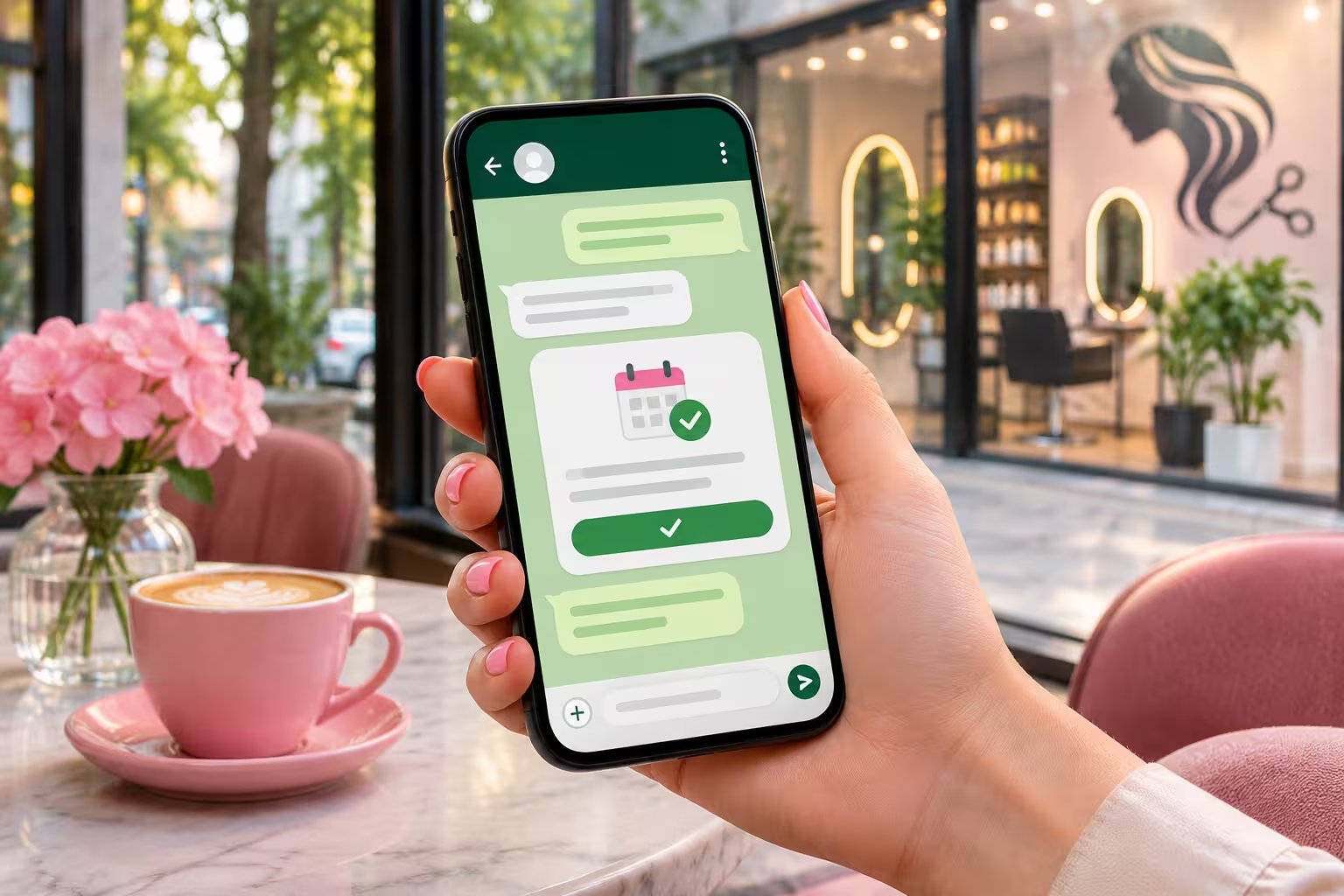
WhatsApp is the everyday messaging app for most people in the Gulf. For salons, that makes it the natural booking channel:
- Clients already use it all day, so there’s no new app to download.
- Messaging feels easier than calling, especially at work or late at night.
- It works in Arabic and English, with voice notes, photos and location sharing.
- Clients can send reference photos, such as a hairstyle or nail design they want.
- Conversations stay in one thread, so the history is easy to follow.
The Problem With Manual WhatsApp Booking
Most salons handle WhatsApp by hand, and it causes problems:
- Slow replies: the receptionist is busy with clients, so messages wait for hours.
- Back-and-forth: “Is 5pm free?” “No, how about 6?” “Is Sara free at 6?” takes several messages to book one appointment.
- Double bookings: WhatsApp isn’t connected to the calendar, so mistakes happen.
- After-hours messages sit unanswered until morning, by which time the client may have booked elsewhere.
- Forgotten bookings: an appointment agreed on WhatsApp never makes it into the diary.
- One phone, many staff: it’s hard to share the salon’s WhatsApp across a team.
3 Levels of WhatsApp Appointment Booking for Salons
You can improve WhatsApp appointment booking at your salon step by step.
Level 1: WhatsApp Business basics
Switch to WhatsApp Business and use its built-in tools: a business profile with hours and location, a greeting message, an away message for after hours, quick replies for common questions and labels to track new bookings. This speeds things up, but your team still books every appointment by hand.
Level 2: WhatsApp plus an online booking link
Add your online booking link to your greeting message, away message and quick replies. Clients who just want a slot can book themselves in seconds, straight into your salon calendar. Your team only handles questions and special requests. See how online booking fills your chairs.
Level 3: AI WhatsApp booking
An AI assistant replies to every WhatsApp message instantly, understands what the client wants, checks live availability, and books the appointment directly into your calendar at any time of day. This is a full salon WhatsApp booking with no waiting and no manual work.
How AI WhatsApp Booking Works
- The client sends a message, such as “Can I get a manicure tomorrow after 6?”
- The AI replies instantly in Arabic or English, matching the client.
- It answers questions about prices, services, and timings.
- It checks live availability in your salon calendar and offers real slots.
- It confirms the booking straight into the calendar and sends a confirmation.
- It hands over to your team for anything complex, such as complaints or color consultations.
Sparkalz AI works this way, replying instantly in Arabic or English, checking live availability, and confirming bookings into your calendar, day or night. See Sparkalz AI.
After the Booking: Reminders and Follow-Ups
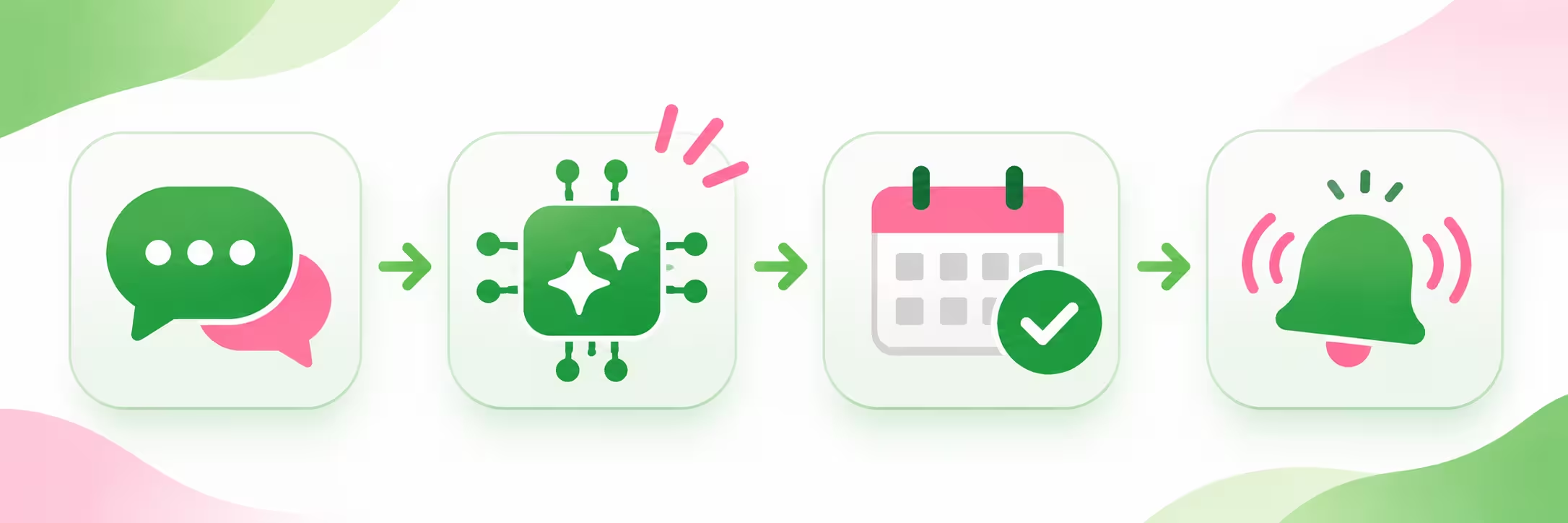
WhatsApp isn’t only for taking bookings. Connected to your salon software, it can also send:
- Booking confirmations with the date, time, service and location.
- Reminders the day before and on the day, with one-tap confirm or reschedule.
- Thank-you messages and review requests after the visit.
- Rebooking reminders when the client is due for her next appointment.
- Offers and campaigns for Eid, Ramadan and wedding season.
Messages your salon sends first, such as reminders and campaigns, normally need to follow WhatsApp’s business messaging rules, including approved message templates on the WhatsApp Business Platform. Good salon software takes care of this for you.
Read more: WhatsApp Marketing for Salons
Manual vs Automated Salon WhatsApp Booking
| Area | Manual WhatsApp | Booking link | AI WhatsApp booking |
|---|---|---|---|
| Reply speed | Minutes to hours | Instant link, client books | Instant conversation |
| After hours | No | Yes | Yes |
| Answers questions | Yes, when staff are free | No | Yes |
| Connected to calendar | No | Yes | Yes |
| Staff time | High | Low | Very low |
| Double bookings | Possible | Blocked | Blocked |
How to Set It Up
- Use a dedicated salon number on WhatsApp Business, not a staff member’s personal phone.
- Complete your business profile with hours, location, services and website.
- Connect WhatsApp to your salon software, so bookings go straight into the calendar.
- Load your services and prices accurately, so answers are always correct.
- Turn on reminders and confirmations for every booking.
- Set handover rules for complaints and complex requests.
- Promote your WhatsApp booking on Instagram, Google, your website and at reception.
Tips for Better WhatsApp Booking
- Add a WhatsApp button to your Instagram profile and website.
- Use a QR code at reception so clients can save your number and book their next visit.
- Keep messages short and friendly, with clear booking details.
- Reply in the client’s language, Arabic or English.
- Don’t over-message. Send reminders and useful offers, not daily promotions.
- Review conversations regularly to spot common questions and improve answers.
Frequently Asked Questions
What is salon WhatsApp booking?
It’s when clients book salon appointments by sending a WhatsApp message, either handled by your team, through a booking link, or automatically by an AI assistant connected to your calendar.
Can clients book without talking to staff?
Yes. With a booking link or AI WhatsApp booking, clients can choose a service and time and get a confirmed appointment without any staff involvement.
Does WhatsApp appointment booking work in Arabic?
Yes. Clients can message in Arabic or English, and good AI systems reply in the same language.
Can I send reminders on WhatsApp?
Yes. Salon software connected to WhatsApp can send confirmations and reminders automatically, which helps reduce no-shows.
Is the free WhatsApp Business app enough?
It’s a good start for a small salon, with greeting messages, away messages and quick replies. For automatic booking, reminders and multiple staff, you’ll need WhatsApp connected to salon software.
What happens to complex requests?
A good system hands complaints, consultations and special requests to your team, so clients still get a personal touch when they need it.
Final Thoughts
Your clients are already on WhatsApp, and many prefer it to calling. Salon WhatsApp booking turns those chats into confirmed appointments, without slow replies, back-and-forth messages or double bookings. Start with WhatsApp Business and a booking link, then move to AI WhatsApp booking so every message gets an instant answer and a real appointment, day or night.
Turn Every WhatsApp Chat Into a Booking
Sparkalz AI by Merak Tech replies to WhatsApp messages instantly in Arabic or English, answers questions about prices and services, checks live availability and confirms bookings straight into your Sparkalz calendar.