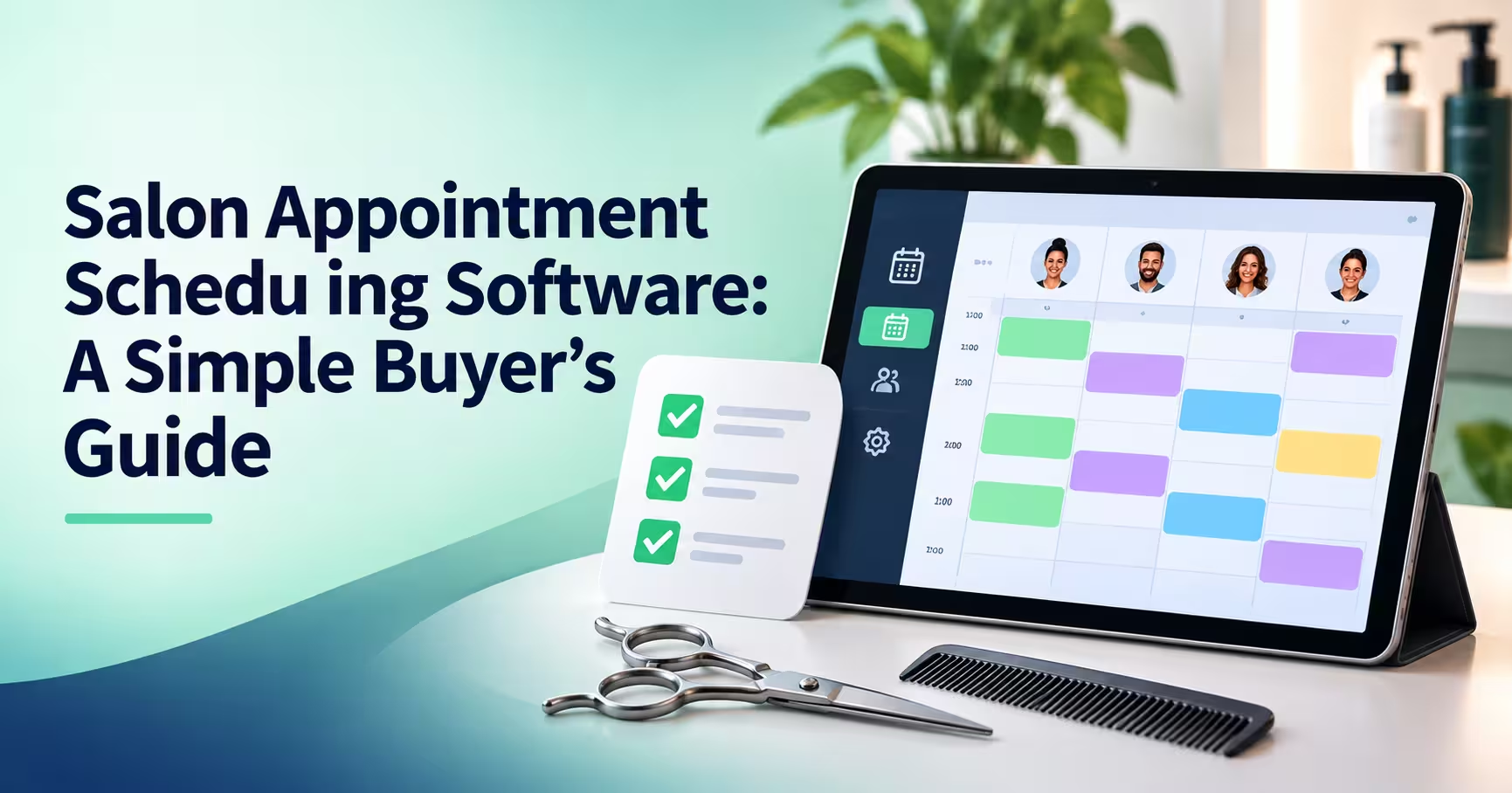
Choosing salon appointment software shouldn’t take weeks of demos and confusing price pages. You need a system that keeps your calendar full, stops double bookings and is easy for your team to use every day. This simple buyer’s guide walks you through the types of salon appointment software available, the features that matter, the questions to ask every vendor and the red flags to avoid, so you can choose with confidence.
In this guide
- Step 1: Know What You Need Before You Shop
- Step 2: Understand the Types of Salon Scheduling Software
- Step 3: Check the Core Features
- Appointment Scheduling Software for Hair Salons
- Step 4: Ask Vendors These Questions
- Step 5: Watch for Red Flags
- Step 6: Run a Proper Trial
- Step 7: Compare the Real Cost
- Frequently Asked Questions
- Final Thoughts

Step 1: Know What You Need Before You Shop
Before you look at any salon appointment software, write down the problems you want it to solve. This keeps demos focused and stops you paying for features you’ll never use.
Common problems include:
- Missed calls and slow WhatsApp replies losing bookings
- Double bookings and clashes between stylists
- No-shows and last-minute cancellations
- Gaps in the day that never get filled
- Staff spending too much time managing the diary
- No clear view of who is busy and who is free
Also note the basics: how many staff and branches you have, which services you offer, and whether your clients book mostly by phone, WhatsApp, Instagram or walk-in.
Step 2: Understand the Types of Salon Scheduling Software
Salon scheduling software is a specialised type of calendaring software, and it usually falls into three groups.
| Type | Good for | Watch out for |
|---|---|---|
| Generic calendar or booking apps | Solo stylists, very simple setups | No service durations, commissions or POS |
| Booking marketplaces | Finding new clients | Per-booking fees, clients listed next to competitors |
| All-in-one salon software | Salons with a team, packages and retail | Make sure it’s easy to use, not just feature-heavy |
For most salons with more than two or three staff, all-in-one salon appointment software is the best fit, because the calendar connects directly to billing, staff and client records.
Step 3: Check the Core Features
Whatever you choose, salon appointment software should include these features as standard:
- A clear staff calendar showing every stylist, therapist and room in day and week views.
- Service-based durations, so each service blocks the right amount of time.
- 24/7 online booking from your website, Instagram, Google profile and WhatsApp.
- Automatic reminders by WhatsApp or SMS to cut no-shows.
- Staff shifts and days off, so clients can only book people who are working.
- Multi-service appointments with different staff in one visit.
- Room and chair scheduling for facials, pedicures and treatments.
- Deposits and cancellation rules for long or high-value services.
- Waitlists to fill cancelled slots.
- Arabic and English booking pages and messages, if you’re in the Gulf.
- A mobile view so owners and staff can check the schedule from their phone.
Read more: Online Booking Software for Salons and Salon Booking System: How Online Booking Fills Your Chairs
Appointment Scheduling Software for Hair Salons
Hair salons have a few extra scheduling needs. Good appointment scheduling software for a hair salon should handle:
- Processing time, so a stylist can start another client while colour develops.
- Stylist levels, with different prices and durations for junior and senior stylists.
- Long and split services, such as colour plus cut, or keratin treatments that take several hours.
- Rebooking reminders based on how often each client usually comes in for a cut or colour.
- Client notes and colour formulas visible from the appointment.
Read more: How Hair Salon Software Streamlines Appointment Management

Step 4: Ask Vendors These Questions
Ask every vendor the same questions so you can compare answers side by side:
- Can you set up our real services, staff and rooms in the demo?
- How do clients book, and can they book in Arabic and English?
- Do reminders go out on WhatsApp, and can clients confirm or reschedule from the message?
- Does the calendar connect to billing, commissions and client records?
- Can we take deposits and set our own cancellation rules?
- Does it support multiple branches from one account?
- What support do you offer, in which hours and languages?
- Can we export our client data at any time?
- Who moves our existing clients and bookings into the system?
Step 5: Watch for Red Flags
- Per-booking fees that grow as you get busier.
- No data export, which locks your client list inside the system.
- A demo that only uses sample data and won’t show your own services.
- Reminders by email only, when your clients live on WhatsApp.
- No local support or very slow response times.
- Hidden extras, such as reminders, online booking, or extra staff charged separately.
- A calendar that’s hard to read on a busy day. If your receptionist struggles in the demo, she’ll struggle every day.
Step 6: Run a Proper Trial
A trial is only useful if you test real scenarios. During the trial:
- Load your actual service menu, staff and shifts.
- Book a busy day, including multi-service visits and walk-ins.
- Make an online booking yourself, from a phone, as a client would.
- Cancel and reschedule a few appointments to see how gaps are handled.
- Check what the reminder messages look like on WhatsApp.
- Ask your receptionist to use it for a full shift and give feedback.
Step 7: Compare the Real Cost
The monthly fee is only part of the cost of salon appointment software. When you compare quotes, check:
- Pricing per staff member, per branch, or as a flat fee
- Whether reminders and online booking are included
- Any per-booking or payment processing fees
- Setup, training, and data migration costs
- Hardware such as tablets or receipt printers, if needed
- Contract length and cancellation terms
Also weigh the cost of not switching. Every missed call, no-show, and empty slot is income you lose today.
Frequently Asked Questions
What is salon appointment software?
It’s software that manages your salon calendar and lets clients book online. It handles staff schedules, service durations, reminders, cancellations, and, in all-in-one systems, billing and client records too.
Is salon scheduling software worth it for a small salon?
Usually, yes. Even a small salon loses bookings to missed calls and no-shows. Online booking and automatic reminders often recover more than the software costs.
Can clients book through Instagram and WhatsApp?
Most salon appointment software gives you a booking link to add to your Instagram bio, WhatsApp Business profile, and Google listing.
What’s the difference between salon appointment software and a booking marketplace?
Appointment software runs your own calendar and booking page under your brand. A marketplace lists your salon alongside others and often charges per booking.
How long does it take to set up?
A single salon can usually be ready within a few days once services, staff, and clients are loaded.
Will my staff find it hard to use?
Good systems are simple enough for a receptionist to learn in a day. Test it with your own team during the trial to be sure.
Final Thoughts
The right salon appointment software solves your real problems and fits the way your team works and grows with you. Start with your list of problems, check the core features, ask every vendor the same questions, and test the system with a real day of bookings. Pick the one your team finds easiest to use, and your calendar will show the difference quickly.
Try Sparkalz With Your Own Salon
Sparkalz by Merak Tech is salon appointment software with 24/7 online booking, WhatsApp reminders, staff scheduling, deposits, and waitlists, connected to billing and client records. Book a demo and we’ll set it up with your real services.