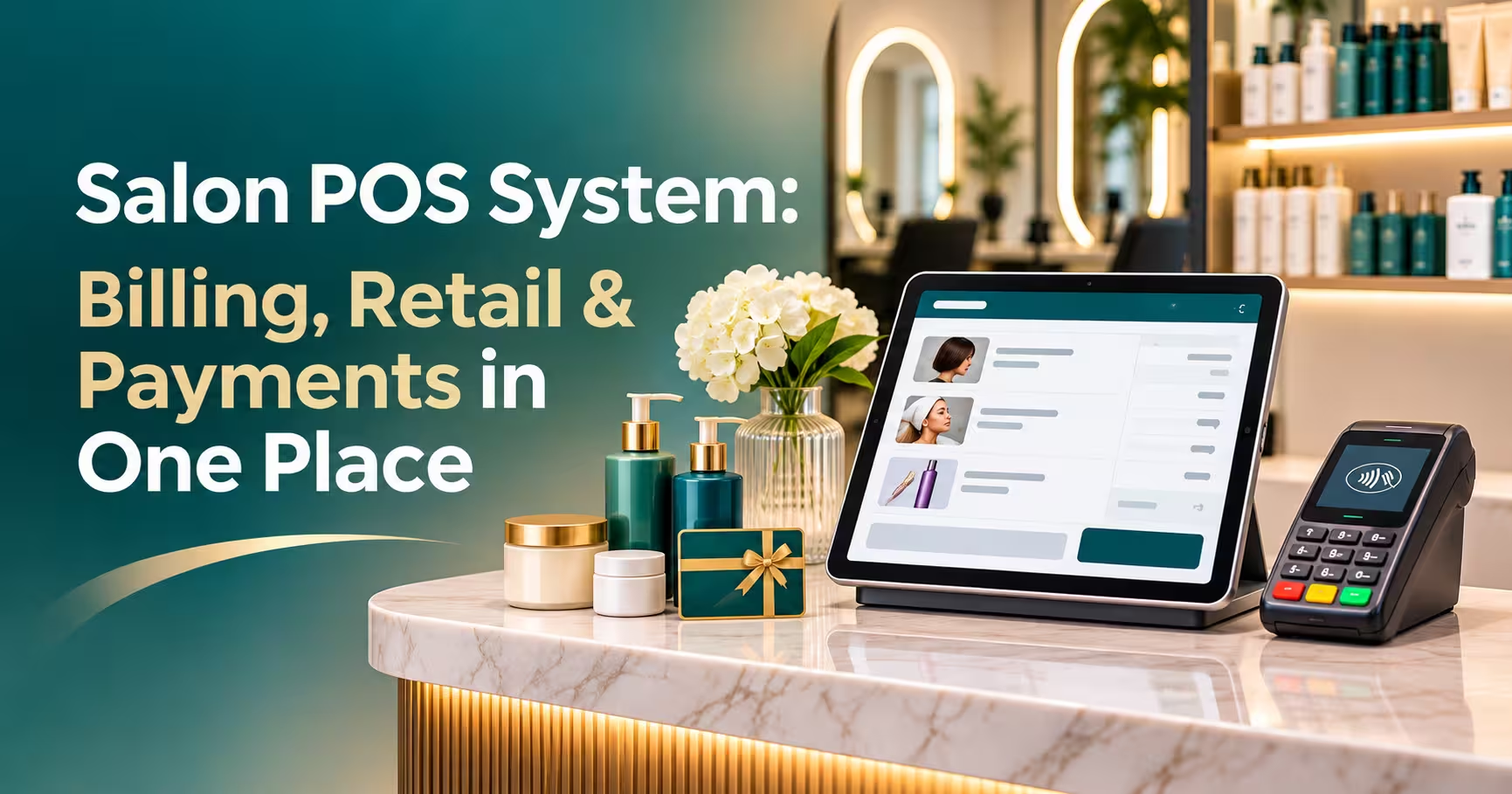
A salon POS is the checkout system at your front desk, but a good one does much more than take payments. It turns appointments into bills, sells retail products, handles packages and gift cards, splits payments, calculates staff commissions and gives you a clear end-of-day report. This guide explains what a salon POS system should do, how it differs from a regular shop till, and how to choose the right point of sale for salons in the UAE and the wider Gulf.
In this guide
- What Is a Salon POS System?
- Salon POS vs a Regular Retail Till
- Billing: From Appointment to Invoice
- Retail: Selling and Tracking Products
- Payments: Every Way Clients Want to Pay
- Beyond Checkout: Commissions, Reports and Clients
- What a Hair Salon POS Needs
- Hardware: What You Actually Need
- How to Choose a Point of Sale for Salons
- Frequently Asked Questions
- Final Thoughts
What Is a Salon POS System?
A point of sale is where a sale is completed. A salon POS system is checkout software built for salons, spas and barbershops. It’s connected to your booking calendar, staff list and client records, so every bill already knows who the client is, which services they had and who did the work.
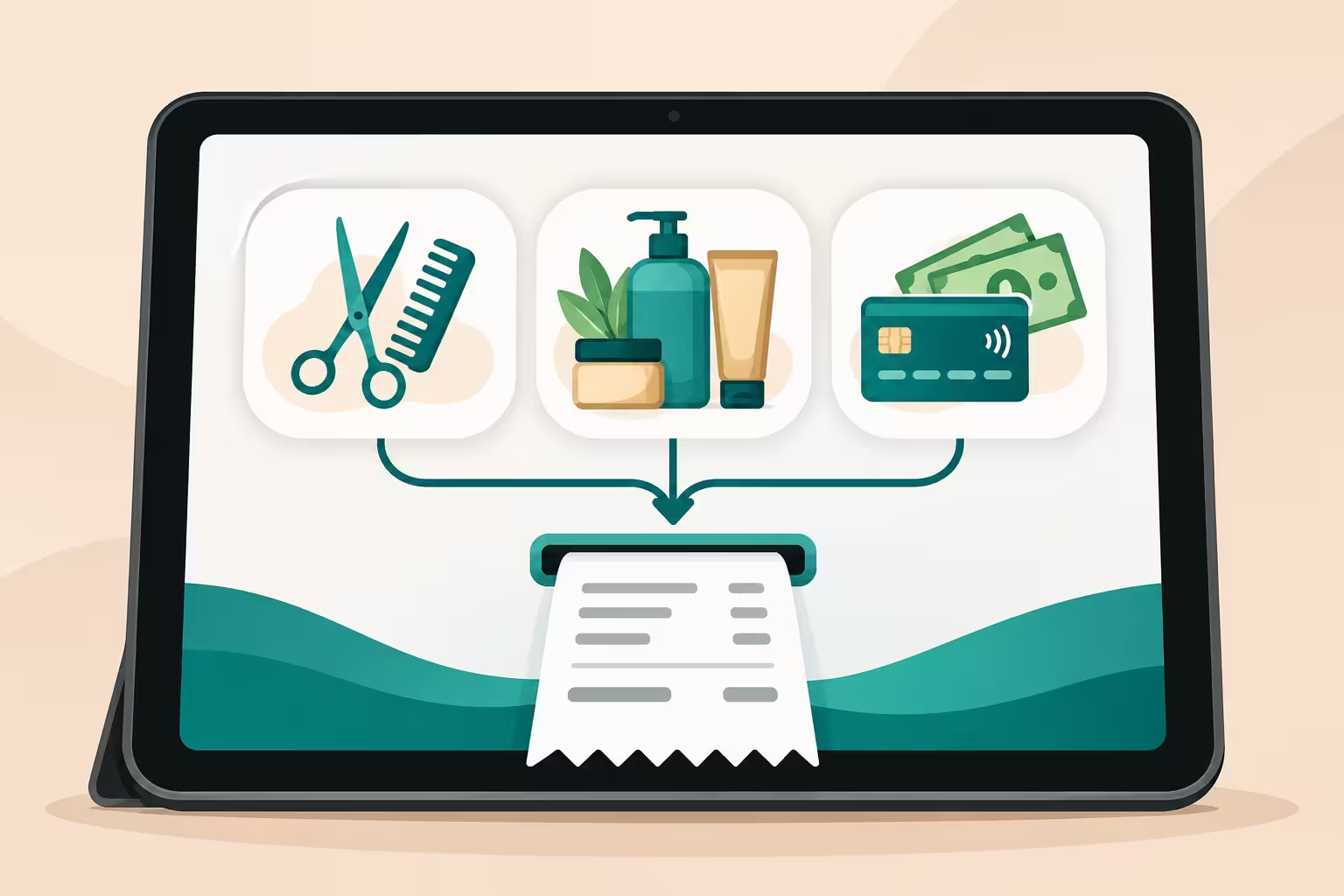
In practice, a salon POS covers three jobs in one place:
- Billing for services, packages and memberships
- Retail for shampoos, treatments, nail care and other products
- Payments by card, cash, Apple Pay, gift card or package balance
See how Sparkalz handles all three on the salon POS billing software page.
Salon POS vs a Regular Retail Till
Many salons start with a basic card machine or a retail till. That works until you need to track who did each service, sell packages, or pay commissions.
| Feature | Retail till | Salon POS |
|---|---|---|
| Sells services by staff member | No | Yes |
| Pulls the bill from the appointment | No | Yes |
| Packages and memberships | No | Tracked per client |
| Staff commissions and tips | Manual | Automatic |
| Client history on every bill | No | Yes |
| Retail stock control | Basic | Retail and back-bar usage |
Billing: From Appointment to Invoice
With a salon POS, checkout starts from the appointment. The services, stylist and price are already there, so the receptionist only adds extras and takes payment.
- One-tap checkout from the booking calendar.
- Multiple staff on one bill, such as a cut by one stylist and a manicure by another.
- Discounts and promotions with permissions, so only managers can apply them.
- Packages and memberships deducted automatically.
- Tax invoices with your tax number and VAT shown correctly where it applies, such as in the UAE.
- Digital receipts sent by WhatsApp or email.
Retail: Selling and Tracking Products
Retail is one of the easiest ways to raise your average bill, but only if your salon POS makes it simple to sell and track products.
- Barcode scanning for quick product sales.
- Stock levels that drop automatically with every sale.
- Low-stock alerts before you run out of best-sellers.
- Back-bar tracking for products used during services, such as colour and treatments.
- Retail commissions to reward staff who recommend products.
- Online sales through your own eCommerce store, using the same stock.
Read more: eCommerce for Salons
Payments: Every Way Clients Want to Pay
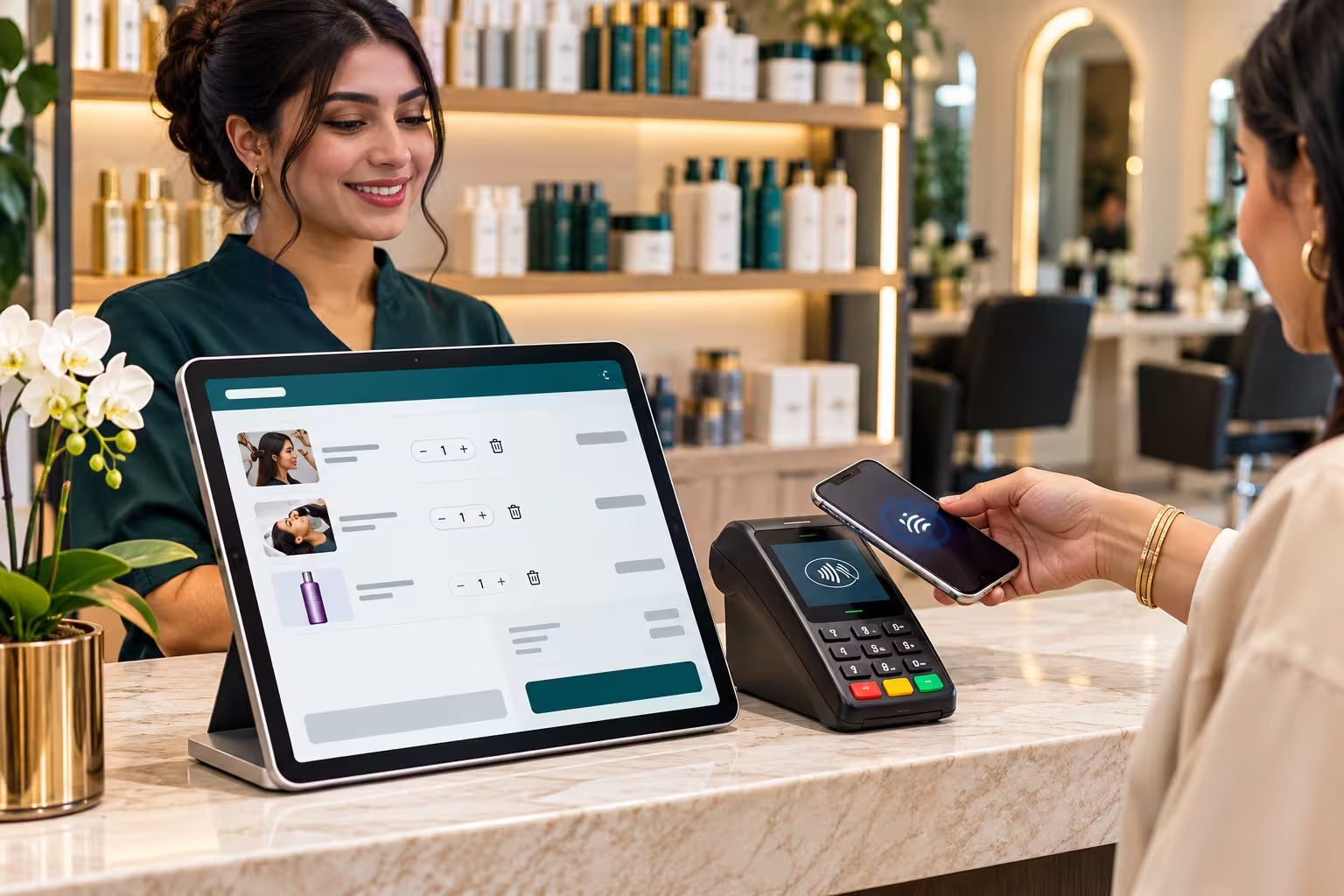
Gulf clients expect to pay quickly and in whatever way suits them. Your salon POS system should handle:
- Cards and contactless, including Apple Pay and Google Pay through your card terminal.
- Local card networks, such as KNET in Kuwait.
- Cash, with change and cash drawer tracking.
- Split payments across card, cash, gift card and package balance on one bill.
- Deposits taken at booking and applied at checkout.
- Tips assigned to the right staff member.
- Refunds and voids with a full record of who did what.
Ask your vendor which card terminals and payment providers their POS works with in your country before you buy hardware.
Beyond Checkout: Commissions, Reports and Clients
Because every sale goes through it, your salon POS becomes the source of your most useful business data.
- Staff commissions calculated from each bill, using your own rules for services and retail.
- End-of-day reports with totals by payment type, so cash-ups take minutes.
- Sales reports by service, product, staff member and branch.
- Client spend history to spot your best clients and target offers.
- Audit logs showing every discount, refund and deleted item.
Read more: Staff Commission Software for Salons
What a Hair Salon POS Needs
A hair salon POS has a few extra jobs compared with a general salon:
- Pricing by stylist level, so a senior stylist’s cut costs more than a junior’s.
- Colour and treatment add-ons, such as toner, gloss or bond treatments, added at checkout.
- Back-bar colour usage to track product costs per service.
- Rebooking at checkout so the next appointment is set before the client leaves.
- Retail recommendations linked to the client’s hair type and past purchases.
Read more: Hair Salon Software: Booking, POS and Staff in One System
Hardware: What You Actually Need
Modern salon POS software is usually cloud-based, so the hardware list is short:
- A tablet, laptop or desktop for the front desk
- A card terminal that works with your payment provider
- A receipt printer, if clients want paper receipts
- A barcode scanner for retail products
- A cash drawer, if you take cash
Owners and managers can usually check sales and reports from their phone, without any extra hardware.
How to Choose a Point of Sale for Salons
- Make sure it’s connected to booking. A POS that doesn’t talk to your calendar means typing everything twice.
- Check invoice and tax handling for your country.
- Confirm supported card terminals and payment methods.
- Test commissions with your real rules.
- Check retail and stock features if products are a big part of your sales.
- Ask about multi-branch support and central reporting.
- Look for local support in your time zone and language.
- Get a full quote covering software, hardware, setup and data migration.
If you’re in the UAE, see our salon POS system in Dubai page for local details.
Frequently Asked Questions
What is the best salon POS for a small salon?
Choose a salon POS that connects to your booking calendar, handles packages and commissions, supports your local payment methods and is easy for the front desk to learn.
Can a salon POS system work on a tablet?
Yes. Most modern systems run on tablets, laptops and phones, with a card terminal connected for payments.
Does a salon POS handle VAT invoices in the UAE?
A good system produces invoices with your TRN and VAT shown correctly. Ask the vendor for a sample invoice before you sign up.
Is a hair salon POS different from a spa POS?
The core is the same. A hair salon POS puts more weight on stylist pricing, colour add-ons and back-bar usage, while a spa POS focuses more on rooms, memberships and treatment courses.
Can I sell products online and in-store from the same stock?
Some salon POS systems connect to an eCommerce store, so online and in-store sales use the same stock levels.
How long does it take to switch POS systems?
A single salon can usually switch within a few days once services, products, staff, and clients are loaded. Move gift card and package balances before you go live.
Final Thoughts
A salon POS is more than a card machine. It’s where your bookings, services, products, payments, and staff commissions all come together. Choose a salon POS system that connects to your calendar, handles your local payments and tax rules, and gives you clear reports, and checkout becomes the fastest part of every visit.
See the Sparkalz Salon POS in Action.
Sparkalz by Merak Tech brings billing, retail, payments, commissions, and reports together with your booking calendar, built for salons across the Gulf.